 ™
™Homework families actually do
The Befundo team · July 18, 2026 · 3 min read
Homework that lives in a paper folder gets lost in the paper folder. On Befundo, work you set lands on each family's Tasks page with its due date, and you can see who has done it.
The quick answer
- Set work from the class's New button: a type, a title, the details, and a due date.
- Anything but a reminder needs something to do: a question, or a worksheet attached.
- It appears on families' Tasks, under From your classes, with its due date.
- You see who's done it, per student.
Set a piece of work
- Open the class and press New, then Activity.
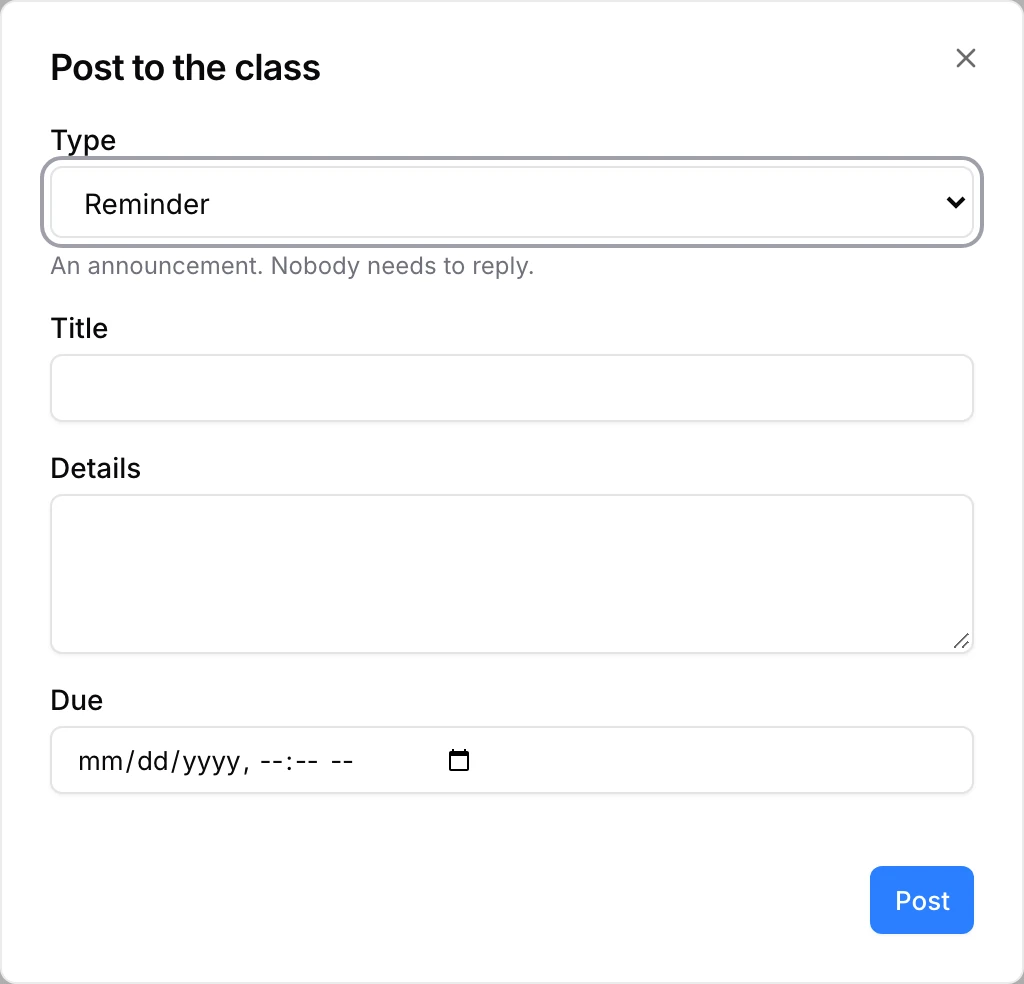
- Choose a Type (see below), give it a title and details, and set Due if there's a deadline.
- Add questions, or Attach a worksheet.
- Press Post.
You can also set work from a meeting: the meeting page's Homework card has Post.
The types
- Reminder: a notice. Nobody needs to reply.
- Assignment: work to do by a date. Families mark it done.
- Practice: questions, marked as they go.
- Quiz and Test: questions, with marks held until you release them.
- Form: questions for each family to answer.
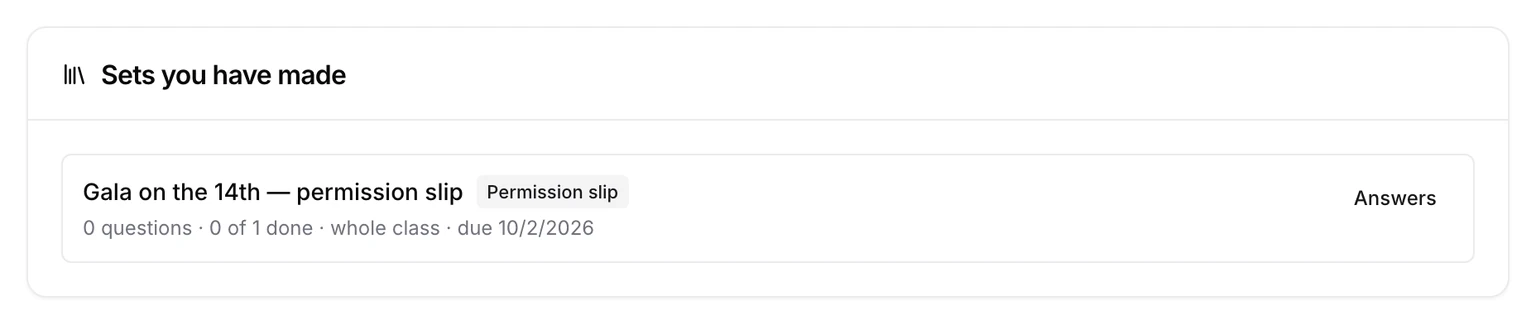
- Permission slip: consent for something, recorded per child.
- Payment reminder: a nudge. Befundo doesn't process payments.
Give it something to do
Instructions alone aren't enough. A post that isn't a reminder needs at least one question or an attached worksheet. Otherwise Befundo says "Add a question or attach a worksheet — otherwise there is nothing to do."
A choice or yes/no question can carry its right answer, so the child checks themselves as they go.
What families see
On their Tasks page, the work sits under From your classes, with the child, the class and the due date. Work with questions opens with Start. Overdue is shown, never enforced: nothing closes at the deadline.
What you see
The class's Work tab lists everything you've set, with how many have done each. Open one to see Who has done it: marked done, how many answered, or not started.
Work families finish
- One job per piece of work. A form and a worksheet are two posts, not one.
- Put the due date in the Due field, not in the details, so it shows on Tasks.
- Write the title as the thing to do: "Practice the first eight bars", not "Week 3".
- Release quiz marks promptly. A mark that arrives a week later teaches much less.
Common questions
Does anything close at the deadline? No. Overdue is shown, but a family can still answer late.
Where do families answer? On the class's Work tab, or from Tasks. Work with questions opens with Start.
Set something now
Open a class, press New, and choose Activity.