 ™
™Set up your business in one sitting
The Befundo team · September 21, 2026 · 3 min read

Setting up a business on Befundo is a short wizard rather than a settings page to hunt through. It asks for one thing at a time, ticks each step off as it's done, and remembers where you got to if you stop.
The quick answer
- Three steps are required: your business details, your first class, and bringing in your families.
- Three are optional: publishing your page, inviting an instructor, and a few extras.
- You can leave at any point. Your business home keeps the list, and Continue setup brings you back.
Start it
- Open Create a business.
- Type your business name and check the time zone. Befundo detects it from your browser, and your classes, meetings and reminders all use it.
- Press Create Business. You land on the first step of Set up.
Step 1: Business details
This is what families see on your public page before they register: a description, an email, a phone number and where you are. A box at the top lists anything families can't see yet, so you know what's still missing.
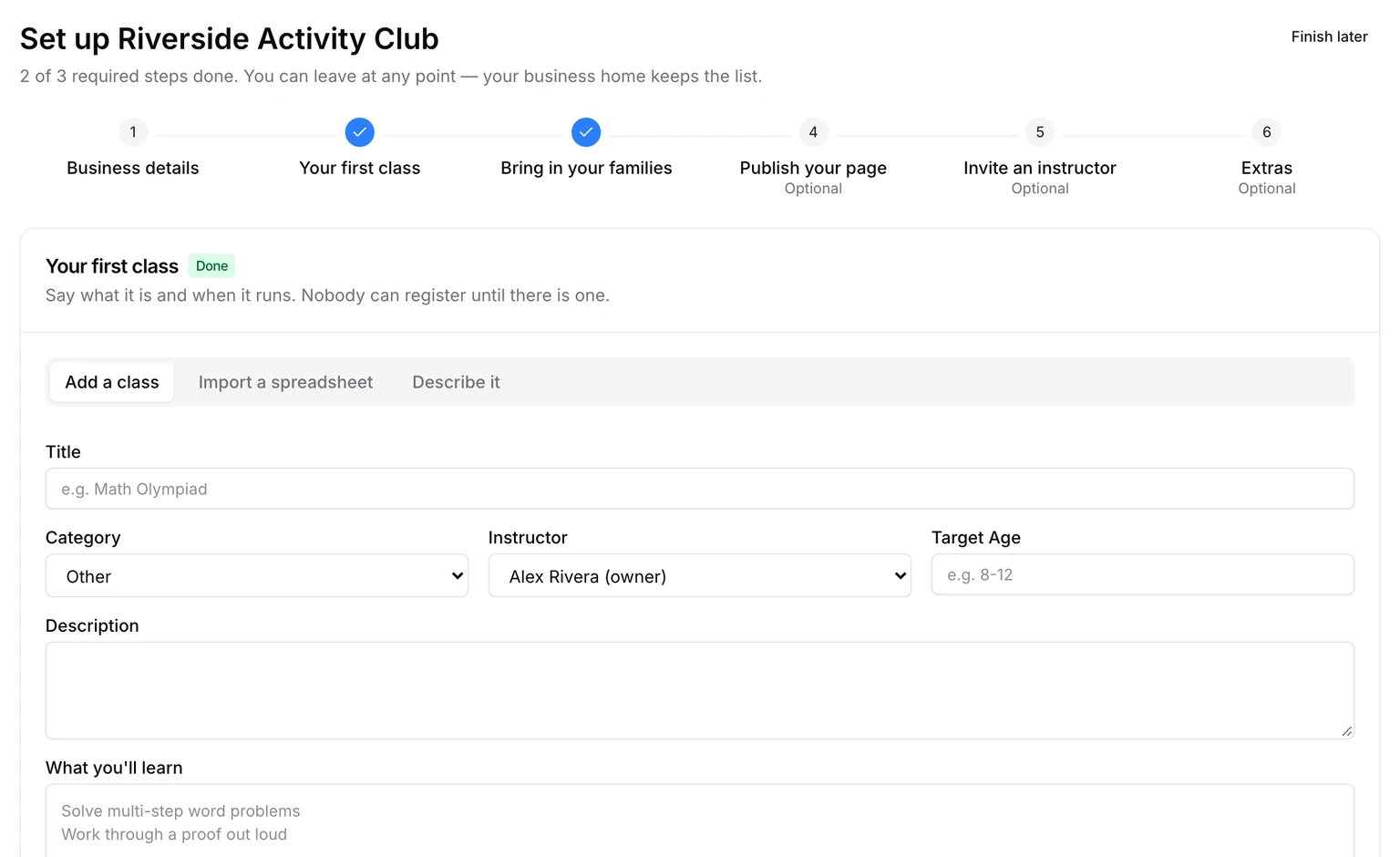
Step 2: Your first class
Nobody can register until there is a class. There are three ways to add one:
- Add a class: fill in the form yourself.
- Import a spreadsheet: paste the classes you already run.
- Describe it: write a sentence and Ask Befundo drafts the class for you to check. This one needs the Growth plan.
Step 3: Bring in your families
Share a class link so families can register themselves, or import the students you already teach. An import sends invitations: nobody is enrolled until a parent accepts. The step ticks itself once somebody is enrolled. Importing your roster has the details.
The optional steps
Publish your page gives you one address with all your classes, for your website or social media. Invite an instructor is for when somebody else teaches for you; skip it if it's just you.
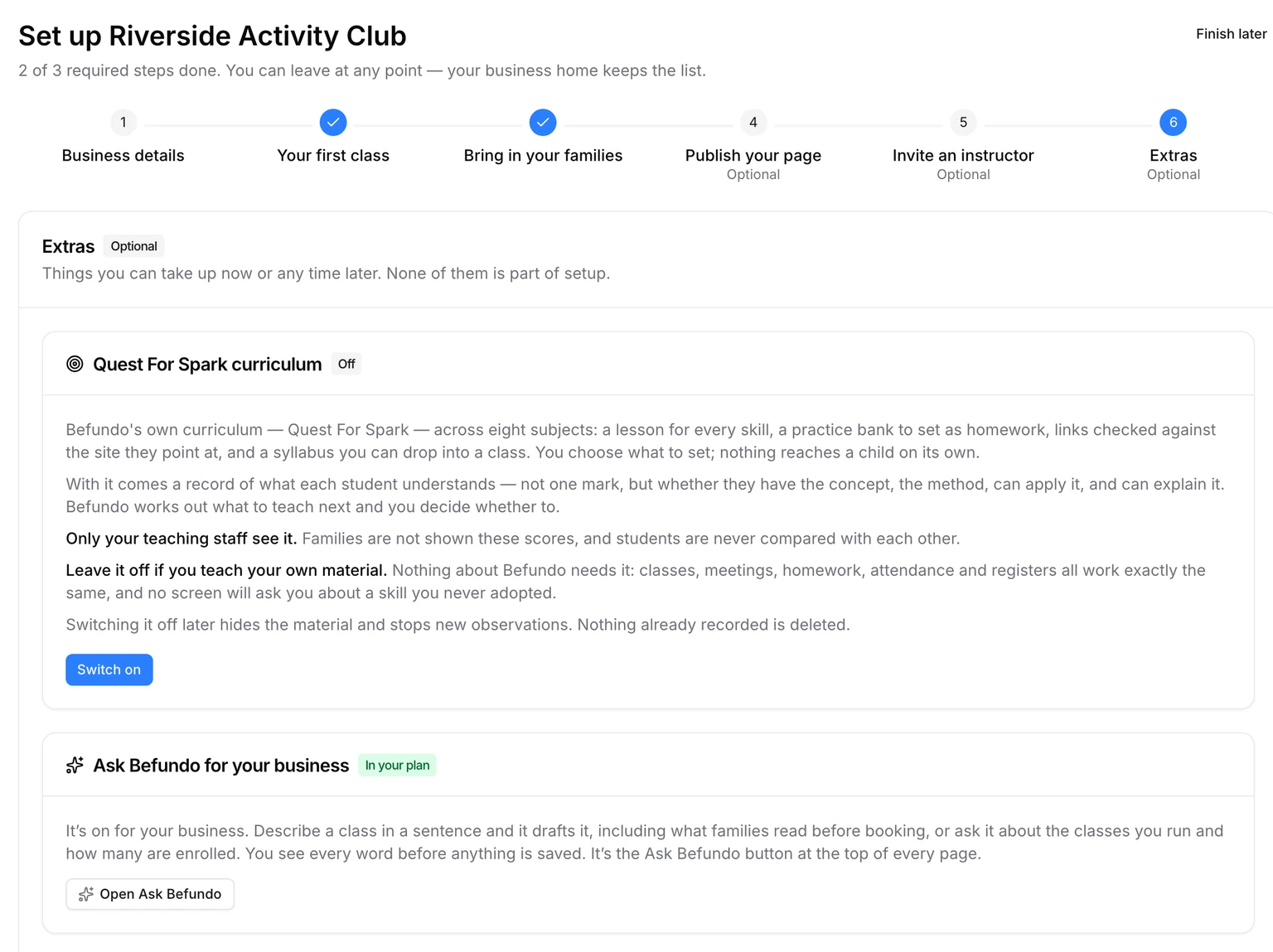
Extras is last. It offers three things you can take up now or any time later:
- The Quest For Spark curriculum. Leave it off if you teach your own material.
- Ask Befundo for your business.
- How families pay you.
None of them counts toward setup.
When you're done
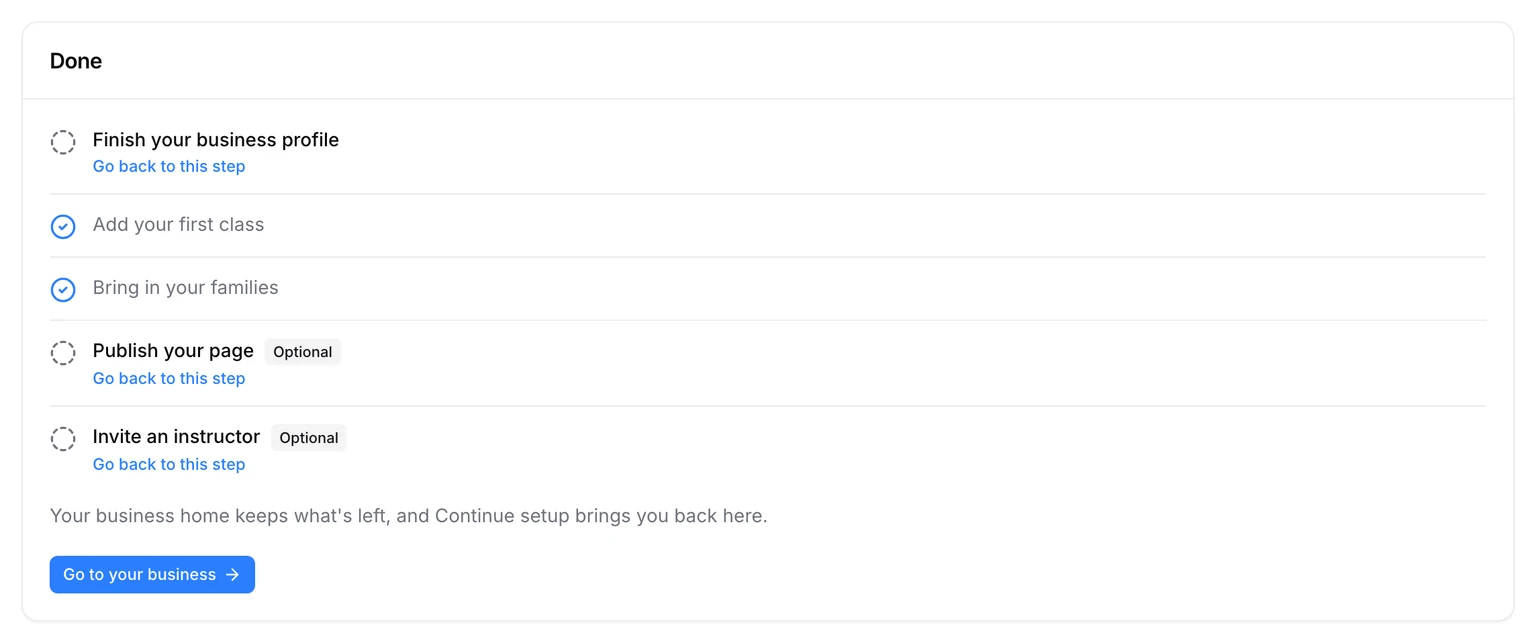
The last screen lists every step, ticked or not, with Go back to this step beside anything left. Press Go to your business and you're on your business home.
Start now
Open Create a business, name it, and press Create Business. The wizard takes it from there.