 ™
™Reading a class listing properly
The Befundo team · July 22, 2026 · 2 min read

Listings are written to be appealing, which is fair enough. A few phrases carry more meaning than they appear to, and a few missing details say even more.
The quick answer
- Read the age range, the price and the schedule first. Those three rule most classes in or out.
- "All abilities" and "small groups" need a follow-up question.
- No price usually means one of three things. Ask early.
- Providers: fill in every field that exists, and put your policies in the description.
"Ages 5–11"
A six-year range is a wide one. Sometimes it works: martial arts and swimming often group by ability inside one session. Sometimes it means the class was built for the middle and the ends are tolerated. Ask what the actual spread is right now.
"All abilities welcome"
Almost always true, and almost never the whole story. The question is whether abilities are taught separately or just allowed in the same room. Those are very different sessions for a beginner.
"Small groups"
Ask for the number. Small means eight to one provider and eighteen to another.
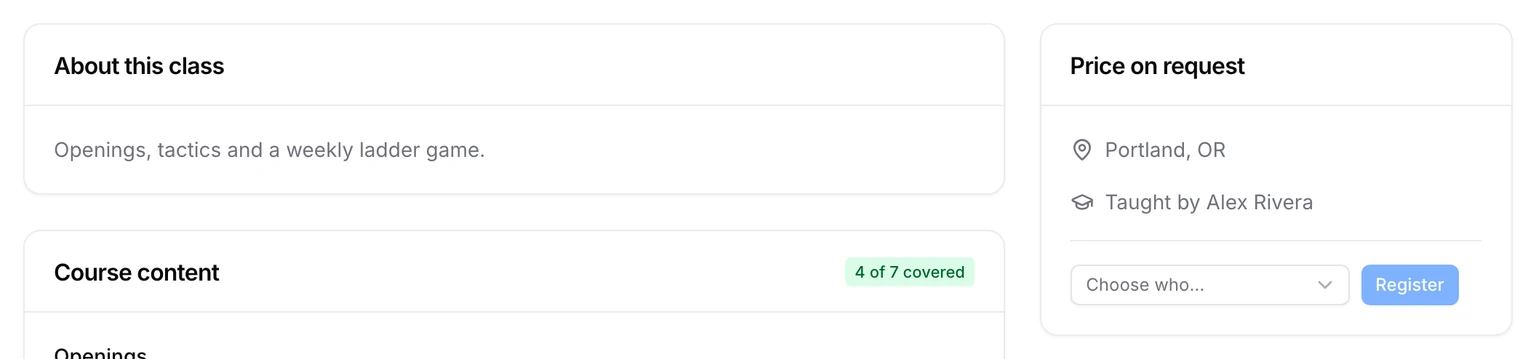
No price
Usually one of three things: it varies, it's genuinely bespoke, or they'd rather tell you once you're interested. The first two are fine. Ask early either way, because the answer rarely improves with waiting.
For providers: fill in what exists
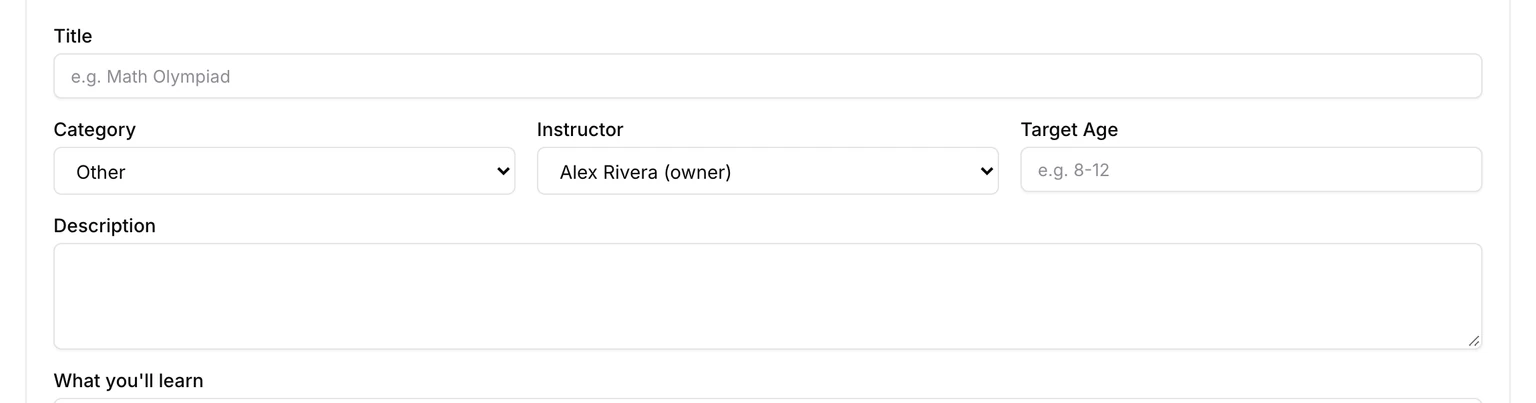
A Befundo class has fields for the questions families ask. Every one you fill in is a question you don't have to answer by message:
- Target Age: the range the class is really for.
- Price and Per: what it costs, and whether per session or per month.
- Maximum students: once full, families can't register, so the number is honest.
- Schedule: how it repeats, its days and times, when it starts and when it ends.
- Description, What you'll learn, Course includes and Requirements.
There's no separate field for missed sessions or holidays. Put your policy in the description in one sentence, for example "Missed sessions aren't made up; there's no class on public holidays."
Fill yours in
Open a class, press Edit class, and fill in every field a family would ask about.