 ™
™Tell every family at once
The Befundo team · August 2, 2026 · 3 min read

Sometimes every family needs to know something today: the pool is closed, the time has moved, bring a coat. On Befundo that's an announcement. It isn't a class post or a message thread, and the difference decides who notices.
The quick answer
- An announcement notifies. It goes on the class board and rings every family's bell.
- Nobody can reply to it. Questions go on the class board or in the class's messages.
- Only the business owner can address every family. A teacher can announce to the classes they teach.
- Deleting it doesn't un-send it. The notification already delivered stays; send a correction instead.
Send one
- In your business menu, open Announcements.
- Write it under Announcement.
- Choose who it's for: Everyone at this business or One class (and which class).
- Choose how long it shows: 24 hours, 3 days, a week, or until you remove it.
- Press Send.
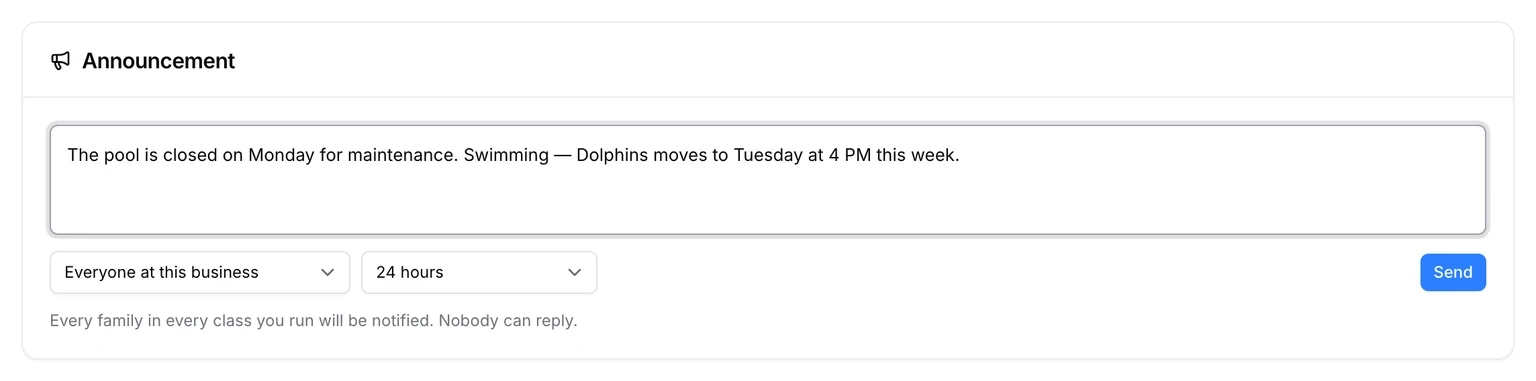
A teacher sends one from the class page instead: New, then Announcement. It's always to that class.
Announcement, post or message?
- Announcement: has to be seen today. Notifies everyone it's addressed to. No replies.
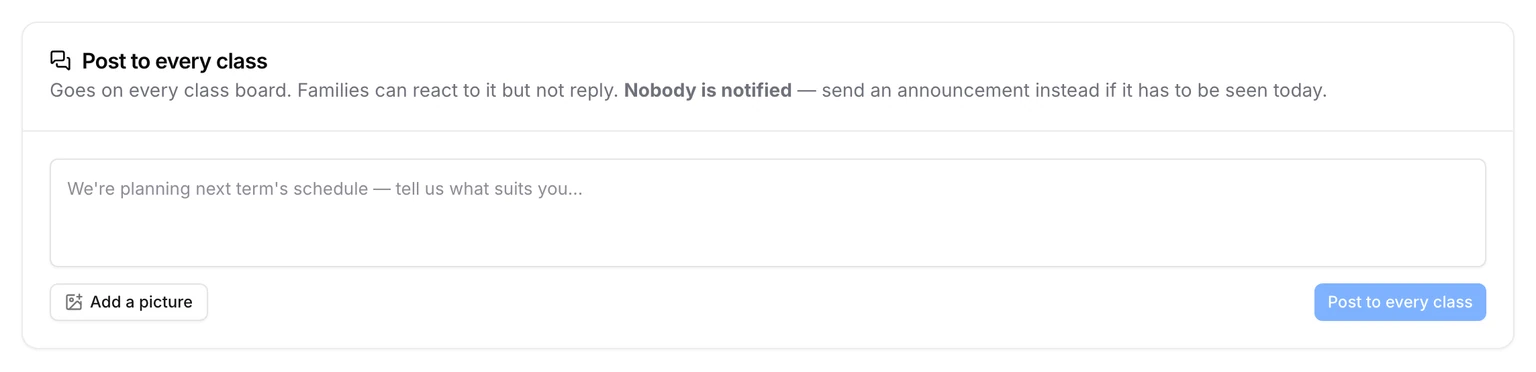
- Post: news for the board, like "Lovely session today". Families can react with an emoji, but not reply, and nobody is notified. Post to every class puts one on every board at once.
- Class messages: a conversation. Families and staff can reply, one level deep.
Why no replies
An announcement to forty families that takes replies becomes forty conversations in one place, each visible to all. Keeping it one-way keeps it readable. The class board is still there for a question, and the business owner still gets it.
When you get it wrong
You can delete an announcement, and it disappears from every board. But the notification each family already received isn't rewritten. It was true when it arrived, and rewriting it would leave families acting on something Befundo denies sending. If a date was wrong, send a second announcement that says so.
Write one that gets read
- Put the fact first. "No class on Monday" before why.
- Say the day and the time, not "next week".
- Say what families should do, if anything.
- Keep it short enough to read on a lock screen. The details can go on the class board.
Common questions
Can a teacher message every family? No. A teacher announces to the classes they're assigned to. Only the business owner addresses the whole business.
Can families turn announcements off? Each family chooses in their account whether announcements ring their bell. It's on unless they switch it off, and the announcement still shows on the class board either way.
Send one now
Open Announcements in your business menu, write it, and press Send.