 ™
™What a class summary may and may not say
The Befundo team · April 28, 2026 · 3 min read

After a session, Befundo can draft a summary for the instructor to check and publish. The interesting part isn't what it writes. It's the list of things it refuses to.
The quick answer
- Summaries are on the Growth plan and up, and off by default for every class.
- Each family agrees separately. A child without that agreement can't join the class's recorded sessions from Befundo.
- In a Befundo room, no audio or video is kept. On Zoom, Meet or Teams, no video is recorded, and the audio and transcript are deleted once the summary exists.
- A summary never quotes a child, never names who was absent, and is published by a person.
Turn them on for a class
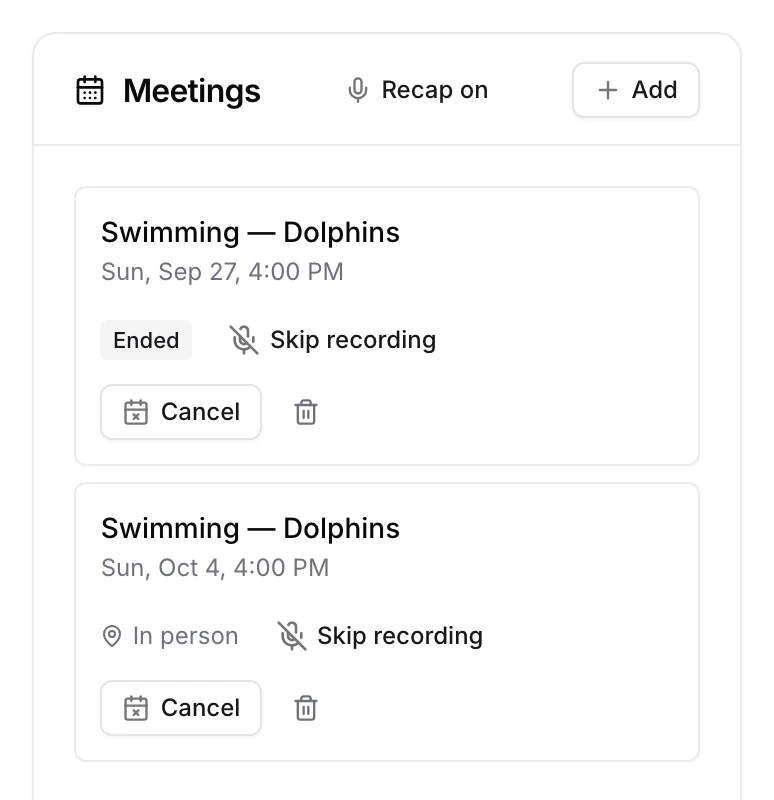
- Open the class. On its Meetings card, press Recap off so it reads Recap on.
- To leave one session out, press Skip recording on that meeting.
The business owner can switch summaries off for every class at once from the business's overview. No setting anywhere can turn one on over a "no" above it.
What families agree to
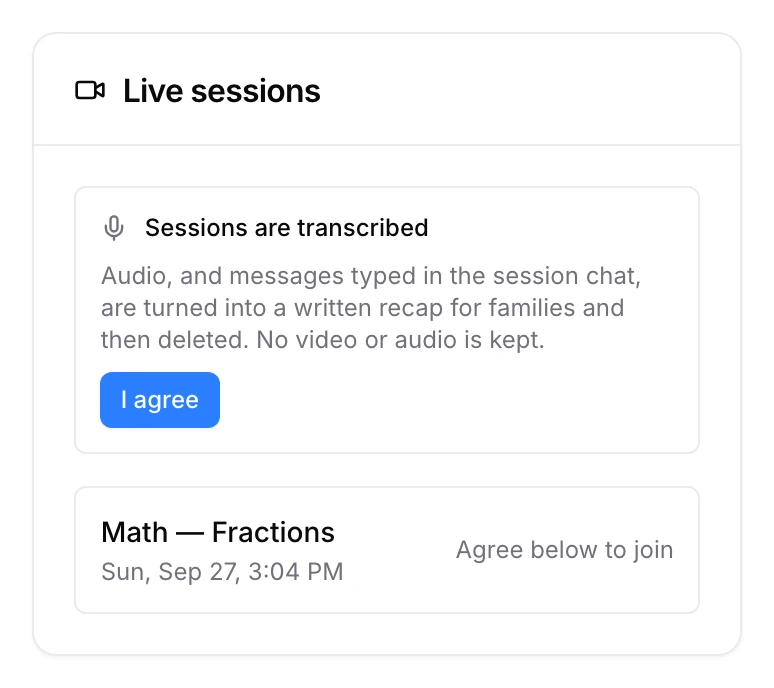
Before a recorded session, each family sees Sessions are transcribed, with what happens to the recording, and presses I agree. A child whose family hasn't agreed can't join that class's recorded sessions from Befundo.
Zoom, Meet and Teams
A class held on Zoom, Google Meet or Microsoft Teams can have summaries too. A notetaker from Recall.ai joins the call as a visible participant. No video is recorded, and once the summary exists, the audio and the transcript are deleted. Befundo keeps only the summary.
It never invents a child's experience
A summary can say what was covered and what was set. It can't say a child enjoyed something, struggled or improved unless the instructor wrote it down. Nobody observed it, so nothing may assert it. It never quotes a child.
Counts, not names
Where a summary mentions attendance it uses numbers, never names. "Fourteen of sixteen" is a fact about the session. Naming the two who were absent is a fact about two families, published to everybody else's.
Thin input produces nothing
If a session has almost nothing recorded, no summary is generated. An honest blank beats four sentences of plausible filler.
The instructor publishes it
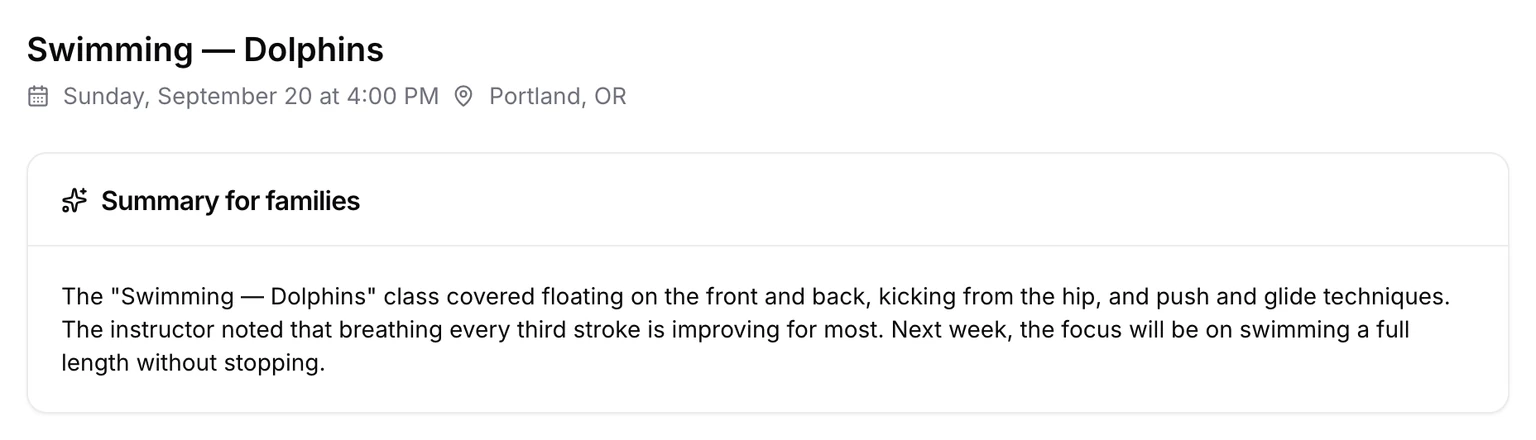
Every summary is a draft until a person reads it. The instructor checks it on the meeting page and presses Publish to families. Families then read it on the meeting page under Summary for families.
Switch it on
Open a class and press Recap off on its Meetings card to turn summaries on.